
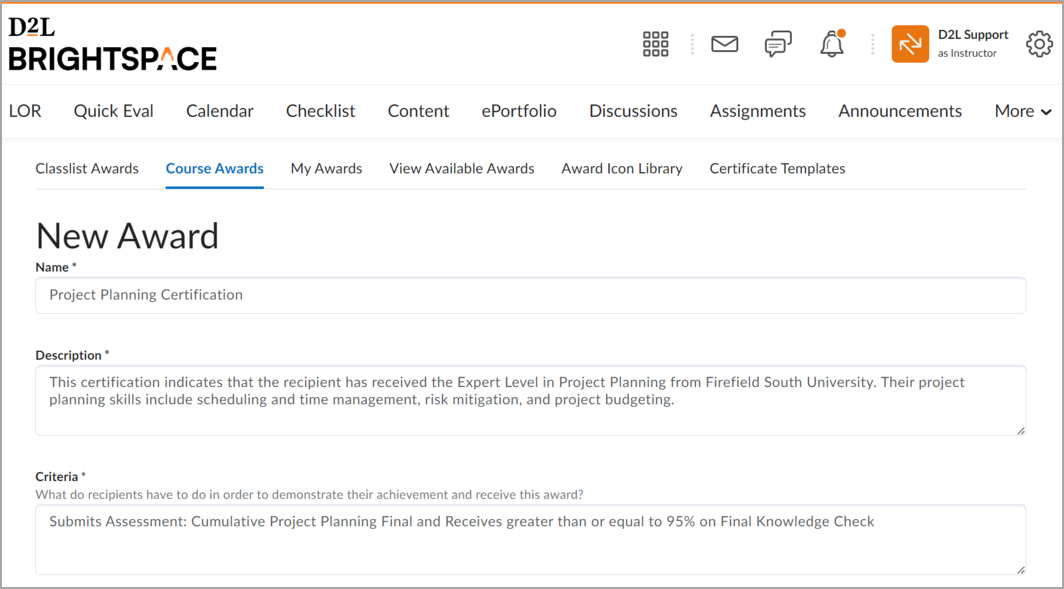
Overview of Create an Award: An Award can be created, which includes Badges or Certificates, and can be automatically issued based on release condition criteria or manually awarded.
If you manually add an award, you must specify the criteria required to earn this award. When the award is automatically issued, the release conditions determine if learners meet the criteria.
Overview of Add an Existing Award to a Course: To add an existing award to a course, first, create the award. Then, you must add it to a course to make it visible to learners. You can do this from the 'View Available Awards' tab of the 'Awards' tool or the 'Available Awards' tab of the 'Learner Awards' widget.




Note: Awards can also be copied between courses using Import/Export/Copy Components on the Course Admin page. When copying awards using Import/Export/Copy Components, all associated release conditions are also copied.